English
  Español
  Deutsch
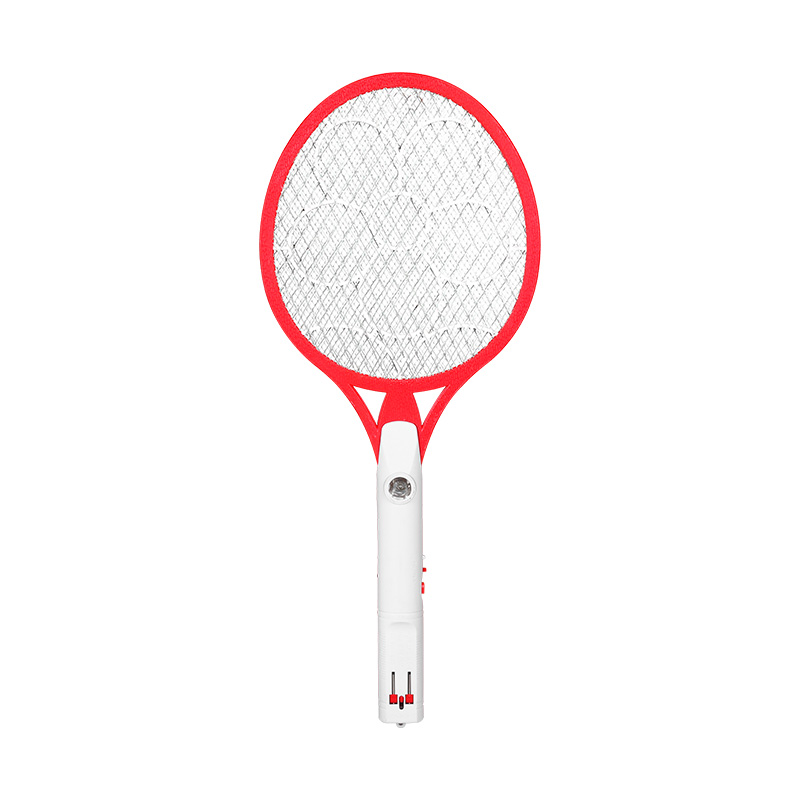
 After a mosquito swatter has been used, small insect remains can stay on the mesh or around its frame. Dust may also settle on the handle, especially when the device is kept on a shelf or carried between rooms. Cleaning after use does not need to become a complicated routine. A few gentle steps are usually enough for ordinary care.
Start by switching off the power and disconnecting any charging cable. Place the swatter on a dry surface before removing dirt. Loose remains can be brushed away with a soft brush, while a dry cloth can be used on suitable outer parts of the handle.
Hard tools should stay away from the mesh. Scraping with a pointed object may change the shape of the grid, and pressing too firmly can put unnecessary strain on the frame. For residue that does not come away easily, several light passes are safer than trying to remove everything with force.
Handle cleaning can be kept simple. A cloth is suitable for areas that collect fingerprints or ordinary dust, while switches and openings should be treated more carefully. Moisture should not be allowed to enter the charging area or other gaps in the housing.
What Should You Check Before Cleaning the Electric Swatter
A quick look at the device before cleaning can prevent careless handling. Dirt is not the only thing worth checking. A loose frame, damaged mesh, or cracked handle needs different attention from a surface covered with dust.
Look over the mesh without pressing on it. Check whether any part appears bent, loose, or out of its normal position. Run a visual check along the frame and handle as well, especially around the switch and charging opening.
Moisture can be easy to overlook after outdoor use. A damp surface, wet hand, or humid storage area may leave moisture around small openings even when the rest of the device looks dry. Charging should wait until the unit and charging area are dry.
A practical check before cleaning includes:
- Power switched off
- Charging cable removed
- Insect remains or dust located
- Mesh checked for visible damage
- Charging opening kept dry
- Handle and switch checked for loose parts
A short inspection also helps decide how much cleaning is actually needed. There is little reason to rub a clean surface repeatedly, while residue trapped around a frame may need slower and more careful attention.
How Can You Keep the Mesh Surface Clean
Fine mesh can collect small particles in places that are difficult to reach with a cloth. Pressing harder does not necessarily make cleaning easier. It may instead place pressure on the grid and gradually affect its shape.
A soft brush is useful for loose dust and dry residue. Light strokes across the surface can remove particles without forcing them deeper into the mesh. Holding the handle during cleaning also gives better control, since fingers are less likely to press directly against the grid.
Insect residue that has dried onto the surface may take more than one gentle pass to remove. Patience is preferable to scraping with a knife, pin, screwdriver, or similar object. Hard items can leave scratches or bend small sections of the mesh.
Cleaning around the frame matters as well. Dirt can gather where the mesh meets the outer structure, creating a narrow area that is easy to ignore. A soft brush can reach such spaces more gently than a rigid tool.
Once cleaning is finished, avoid placing the swatter straight onto a dusty floor, work surface, or crowded shelf. A clean and dry storage area reduces the amount of dust that reaches the mesh again.
Why Should Moisture Be Kept Away From a USB Electric Mosquito Swatter
A mosquito swatter may be used around windows, balconies, gardens, or other places where humidity is present. Contact with moisture can therefore happen during normal handling, even without direct exposure to rain.
Water should not be poured over the device during cleaning. Spraying cleaning liquid onto the mesh or handle is also not a good substitute for wiping, since liquid can move through small gaps and reach areas that are not easy to inspect.
Pay particular attention to the charging opening and switch area. Damp hands can leave moisture behind, while a swatter placed on a wet surface may pick up moisture from below. Either situation calls for drying before charging or further use.
When dampness is noticed, disconnect the power source and move the device to a dry place with normal air circulation. Letting it dry naturally is preferable to placing it close to a strong heat source. Direct heat may affect the housing or other internal parts.
Storage conditions matter here too. A dry drawer, cabinet, or shelf is generally more suitable than a place where water splashes, condensation, or persistent dampness occurs.
How Should the USB Charging Port Be Maintained
A charging port can gather dust even when other parts of the swatter appear clean. Lint, small particles, and dirt may enter while the device is being stored or carried around.
Before connecting a cable, take a moment to look inside the opening. Visible dust around the outer area can be removed gently with a dry cloth. Sharp objects should not be pushed into the port, since unnecessary contact may damage the internal connection points.
Charging also deserves a little attention when the cable is connected. A plug should slide into place without excessive force. When the connection feels unusually tight or loose, repeated pushing is unlikely to solve the problem and may cause additional wear.
Keep the port away from water during cleaning, and avoid placing the device on damp surfaces. A dry charging area makes routine handling easier and reduces the chance of moisture being carried into the connection.
For everyday care, there is no need for an elaborate cleaning process. Keeping dust under control, handling the mesh gently, and checking the charging opening from time to time can become part of the normal use routine.
What Charging Habits Can Support Long Term Use
Charging is part of everyday care for a USB Electric Mosquito Swatter, especially when the device is used regularly and returned to storage after each use. Rough handling around the charging area can create unnecessary wear, so a little attention during connection and removal is useful.
Before charging, check that the port is dry and free from visible dirt. A cable should be connected gently without twisting the plug from side to side. Pulling on the cable itself when disconnecting can also place stress on the connection, so holding the plug is a better habit.
Avoid using a damaged charging cable. Frayed sections, loose connections, or a plug that no longer fits properly are signs that the cable needs attention rather than continued force.
Charging is also better done in a clean, dry place away from water and excessive heat. Placing the swatter under heavy objects while connected can put pressure on the cable or charging port, particularly when the device is moved around.
Once charging is complete, disconnect the cable when convenient and return the swatter to a suitable storage location. There is no need to keep moving or bending the cable during storage. A loose coil usually places less stress on the wire than a tight wrap.
How Can Proper Handling Protect the Handle and Switch
A handle often receives more physical contact than any other part of a mosquito swatter. It is held during use, placed down after operation, and picked up again when needed. Small habits around the grip and switch can therefore affect general condition over time.
Avoid using the mesh frame as a handle. Holding the device from its grip gives better control and keeps pressure away from the grid. Throwing the swatter onto a table or dropping it onto the floor can also affect the frame, housing, or switch.
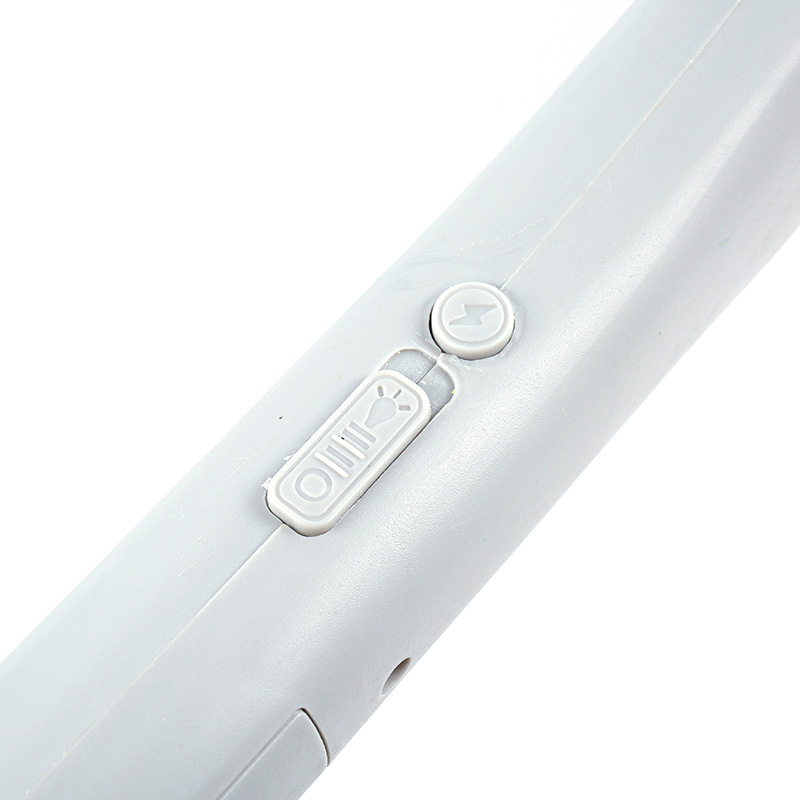
Pay attention to the switch during normal use. Press it in the intended direction rather than forcing it when movement feels unusual. Dirt around the switch can sometimes make operation feel less smooth, so keeping the surrounding area clean is useful.
A quick inspection is worthwhile after the device has been dropped or knocked against another object. Look for:
- Cracks around the handle
- A loose frame
- An unusual switch position
- Damage around the charging opening
- Changes in the condition of the mesh
Visible damage should not simply be covered with tape or ignored. Continued handling may place more pressure on an already weakened area. Setting the unit aside for inspection is a more sensible response.
How Should a USB Electric Mosquito Swatter Be Stored
Storage can easily be overlooked because no active work is taking place during that period. Dust, moisture, pressure, and poor placement can still affect a device while it sits unused.
Choose a dry location where the swatter will not be squeezed between other objects. A drawer, cabinet, or clean shelf can work well when the surrounding area remains dry. Avoid placing books, tools, boxes, or other heavy items directly on top of the mesh.
The charging cable should be kept in a way that does not put constant strain on either end. A loose loop is easier to manage than a tightly wrapped cable. Keeping the cable beside the device also reduces the chance of searching for a suitable cable later.
Long periods of storage call for another quick inspection before use. Dust can be removed from the outer surface, while the mesh and charging port can be checked visually. Any moisture should be dealt with before charging.
Outdoor storage requires more care. A garage, shed, balcony, or similar area may experience changes in humidity and temperature. When such conditions cannot be avoided, placing the swatter in a clean protective container can help limit exposure to dust and moisture.
What Maintenance Checks Matter for Electric Fly Swatter Wholesale Buyers
For buyers handling Electric Fly Swatter Wholesale orders, maintenance considerations can extend beyond individual use. Products may remain in storage before reaching their final users, so handling during receiving, packing, and storage deserves attention as well.
A basic condition check can be carried out when goods arrive. Packaging should protect the handle and mesh from unnecessary pressure, while charging openings should remain clean and dry. Products with visible damage can be separated rather than mixed with units that are ready for normal distribution.
Storage arrangements also matter. Crowded cartons or poorly positioned packages can place pressure on the mesh, especially when heavier goods are stacked above them. Keeping packages properly arranged helps reduce avoidable physical stress.
| Area to Check | What to Look For | Suitable Care |
|---|---|---|
| Mesh | Bending, loose sections, visible residue | Handle gently and keep clean |
| Handle | Cracks, looseness, surface damage | Avoid drops and heavy pressure |
| Switch | Loose movement or visible damage | Keep surrounding area clean |
| Charging Port | Dust, moisture, damaged opening | Keep dry and avoid sharp tools |
| Cable | Fraying, loose plug, bent sections | Store loosely and replace when damaged |
| Packaging | Pressure, moisture, crushed sections | Keep goods dry and properly arranged |
Wholesale storage does not require complicated maintenance procedures. Clear handling practices can make routine checks easier for warehouse staff and reduce unnecessary contact with sensitive parts.
How Can Regular Care Help Maintain Consistent Daily Use
Long‑term care usually comes from small habits rather than occasional intensive cleaning. Removing residue after use, keeping moisture away, checking the charging area, and storing the swatter properly can all become part of an ordinary routine.
A useful approach is to match care with actual use. A device used outdoors may need closer attention to moisture and dust, while one kept indoors may require more frequent removal of household dust. Different surroundings create different cleaning needs.
Avoid waiting until dirt becomes difficult to remove. Light cleaning after use generally requires less pressure than trying to remove a large amount of accumulated residue later. The same idea applies to physical damage. A loose part or cracked area is easier to notice during regular checks than after continued handling.
Charging habits also deserve consistency. Keeping the port dry, using a suitable cable, and avoiding unnecessary force during connection can reduce avoidable wear around the charging area.
Storage should follow the same basic principle: clean, dry, protected, and easy to access. A suitable place helps prevent accidental drops, pressure on the mesh, and exposure to moisture.
With a USB Electric Mosquito Swatter, routine care can remain simple. Gentle cleaning, careful charging, sensible storage, and occasional condition checks provide a practical way to keep the device in usable condition during everyday household use.